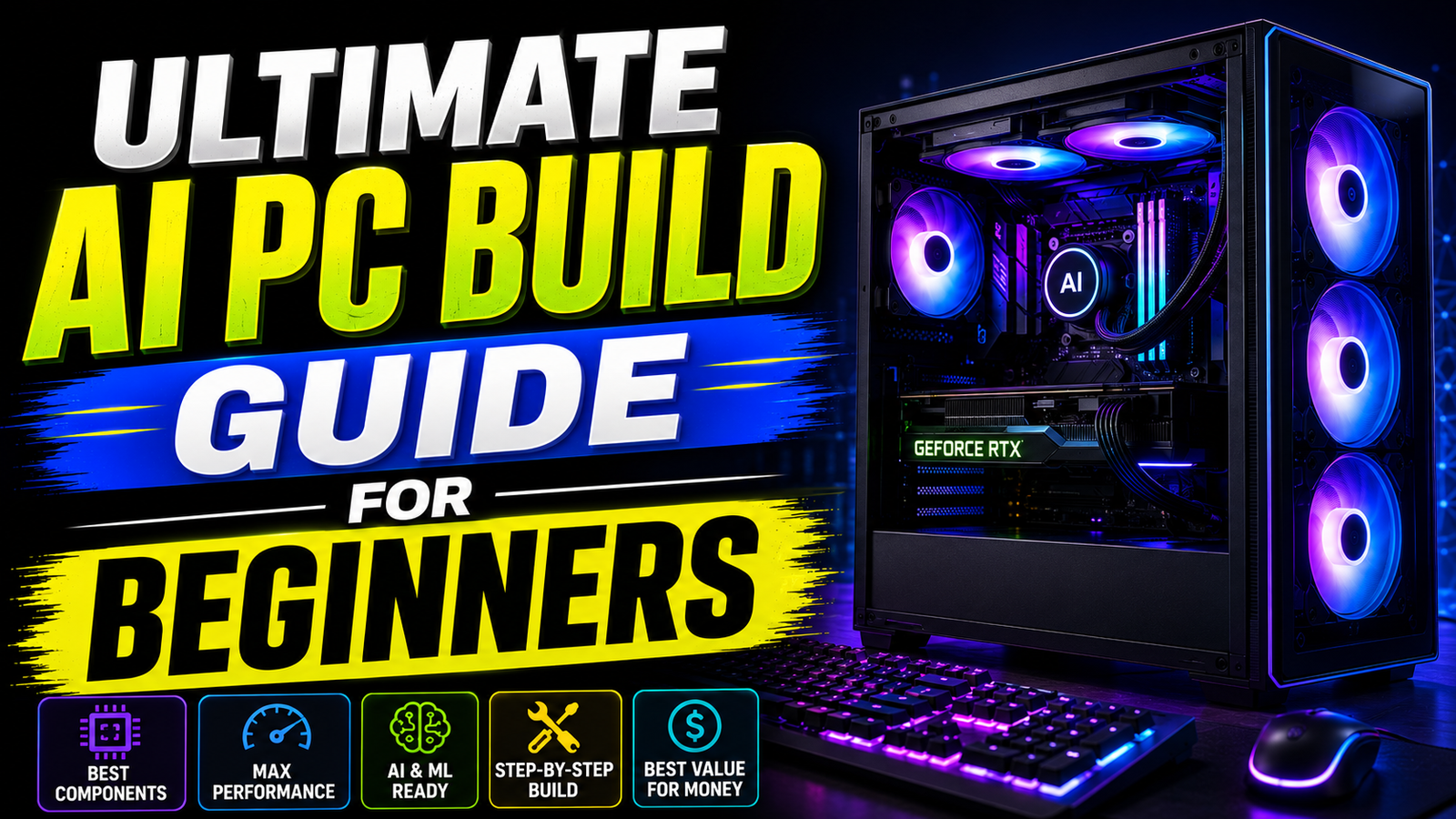
Building a computer for artificial intelligence is incredibly exciting. Many beginners feel completely overwhelmed by the endless hardware choices on the market. You do not need to buy expensive enterprise servers to experiment with deep learning. A standard consumer desktop can run massive AI models easily. This Ultimate AI PC Build Guide will show you exactly how to do it. We will break down every single hardware component. You will learn how to balance your budget perfectly. Most PC building guides focus entirely on gaming performance. Gaming hardware rules do not apply to machine learning tasks. You must build your machine differently.
Why You Need This Ultimate AI PC Build Guide
Local artificial intelligence has advanced rapidly over the past two years. Previously, running a large language model required a dedicated cloud server. Today, consumer hardware handles these intense tasks smoothly. You can run highly intelligent models locally with zero ongoing costs. Your data remains completely private and secure on your own hard drive. You never pay expensive API subscription fees to tech giants.
However, choosing the wrong computer parts will ruin this experience entirely. Buying a blazing-fast processor will not help if your graphics card is weak. This Ultimate AI PC Build Guide prevents expensive mistakes. We will build a balanced, highly efficient local workstation. You will learn exactly where to save money and where to spend it.
The Golden Rule of AI Hardware
When building an AI computer, one specific metric matters most. You must prioritize Video RAM (VRAM) above everything else. VRAM is the dedicated memory located inside your graphics card. Artificial intelligence models are massive data files. A standard image generation model easily exceeds six gigabytes. Text generation models are even larger.
The entire model must load directly into your VRAM to function efficiently. If your VRAM is too small, the software crashes instantly. It will throw a fatal out-of-memory terminal error. You cannot bypass this physical hardware limit with software tricks. Gamers care about clock speeds. AI creators must care about VRAM capacity.
VRAM Tier List for Local Models
Understanding exactly how much memory you need is vital. Use this reference table before purchasing any hardware.
| VRAM Capacity | Recommended GPUs | Best Local AI Use Case |
| 8GB | RTX 4060 | Basic image generation. Very small 7B text models. |
| 12GB | RTX 3060, RTX 4070 | The budget sweet spot. Great for 8B models. |
| 16GB | RTX 4060 Ti, RTX 5080 | Excellent for 14B models and advanced image rendering. |
| 24GB | RTX 3090, RTX 4090 | The enthusiast standard. Runs 32B models effortlessly. |
| 32GB+ | RTX 5090, PRO 6000 | Professional research. Handles heavily compressed 70B models. |
Choosing the Right Graphics Card
The graphics processing unit (GPU) is your workstation engine. You must purchase an Nvidia graphics card. Nvidia developed a proprietary software framework called CUDA. Almost all open-source AI software relies natively on the CUDA framework.
AMD graphics cards offer incredible gaming value but struggle with AI tasks. You will face severe software compatibility issues with AMD hardware. Stick exclusively to Nvidia for a smooth, plug-and-play experience. Your GPU choice dictates which open-source models you can run safely.
Entry-Level GPU Recommendations
If you are on a strict budget, you have two great choices. The Nvidia RTX 3060 12GB remains legendary in the developer community. It is very cheap and offers a massive 12GB memory buffer. This buffer comfortably handles lightweight text and image generation.
If you want newer technology, look at the RTX 4060 Ti. You absolutely must buy the 16GB version of this specific card. Do not buy the 8GB version under any circumstances. The 16GB version allows you to run 14-billion parameter models smoothly.
High-End GPU Recommendations
Power users need significantly more memory space for complex tasks. The RTX 4090 features 24GB of highly capable VRAM. This card handles massive coding models and complex workflows effortlessly.
The brand new RTX 5090 offers an incredible 32GB of VRAM. It is the absolute king of consumer artificial intelligence hardware. It runs heavily quantized 70-billion parameter models locally at incredible speeds. If you cannot afford these new cards, look at the used hardware market. A used RTX 3090 provides 24GB of VRAM for a fraction of the retail cost.
Selecting the Perfect Processor
The central processing unit (CPU) acts as your system traffic controller. You do not need the most expensive processor available. A modern mid-range CPU is perfectly sufficient for AI inference tasks.
Look for the AMD Ryzen 5 7600X or the Intel Core i5-13600K. These processors handle data preprocessing quickly without bottlenecking your graphics card. If you plan to train neural networks from scratch, you need more cores. In that specific scenario, upgrade to an AMD Ryzen 9 processor. It handles massive data transformations much better.
Balancing Core Counts and PCIe Lanes
Your CPU also dictates how many PCIe lanes your system possesses. These lanes are physical data highways connecting your motherboard components. Ensure your processor supports PCIe 4.0 or 5.0 standards natively.
This modern standard maximizes data transfer bandwidth to your graphics card. If you plan to install dual GPUs later, you need enthusiast processors. The AMD Threadripper series offers massive PCIe lane counts tailored for multi-GPU setups. For standard single-GPU builds, standard Ryzen or Intel Core chips are perfect.
The Importance of System RAM
System memory is the waiting room for your graphics card. Every Ultimate AI PC Build Guide must emphasize system memory. Before data enters your GPU, it sits safely in your system RAM.
If you lack sufficient system RAM, your entire computer will freeze during heavy workloads. 32GB of DDR5 RAM is the absolute minimum requirement today. However, 64GB of DDR5 RAM is the highly recommended professional standard. Memory is relatively cheap right now. Do not bottleneck your expensive graphics card by buying cheap, slow RAM sticks.
Fast Storage is Mandatory
Artificial intelligence datasets contain thousands of tiny image and text files. Loading these files simultaneously requires immense storage read speeds. Following this Ultimate AI PC Build Guide ensures fast data loading.
You must purchase a high-speed NVMe M.2 Solid State Drive (SSD). Traditional hard disk drives are completely obsolete for AI workflows. They will slow your training times down to an agonizing crawl. Buy at least a 2TB NVMe Gen 4 drive. Model checkpoints are massive files. They consume storage space very quickly. Furthermore, buy TLC drives instead of cheaper QLC drives. TLC drives offer significantly better endurance for heavy writing tasks.
Power Supply and Cooling Needs
AI workloads push your hardware to its absolute maximum physical limit. Your graphics card might run at 100% capacity for several continuous hours. A highly reliable power supply unit (PSU) is absolutely critical.
Do not buy cheap, unbranded power supplies for this build. Buy a Gold-rated PSU from reputable brands like Corsair or Seasonic. If you use an RTX 3060, a 650W PSU is perfectly fine. If you run a massive RTX 4090, you need at least 1000W of power.
Furthermore, ensure your computer case has excellent ventilation and airflow. High internal temperatures cause severe thermal throttling. Thermal throttling drastically slows down your image and text generation speeds.
Laptops Versus Desktop Computers
Many creators prefer the extreme portability of modern laptops. However, laptops present severe physical limitations for machine learning tasks. Laptop graphics cards are fundamentally different from desktop graphics cards.
They draw significantly less electrical power from the wall. A laptop RTX 4090 is much weaker than a desktop RTX 4090. Laptops also suffer from severe thermal physical constraints. When the internal temperature rises, the laptop slows down automatically to prevent damage. This thermal behavior ruins long training sessions. If you have the physical desk space, always build a desktop tower. Desktops offer superior cooling, cheaper replacement parts, and easy upgrade paths.
Navigating the Used Hardware Market
Building a budget system often requires buying used computer parts. The secondhand market is fantastic for finding cheap graphics cards. Used RTX 3090 cards offer massive memory value for serious AI creators.
However, you must exercise extreme caution when buying used hardware. Many older graphics cards were used heavily for cryptocurrency mining. Ask the seller to run a benchmark stress test before purchasing. Check the physical cooling fans for grinding noises. You might need to replace the thermal paste on older used cards. Fresh thermal paste restores factory cooling efficiency instantly.
Software Setup for Your New PC
Hardware is entirely useless without the proper software environment installed. Once you assemble your PC physically, you must install the right digital tools. Windows is highly capable for standard local AI generation workflows.
Linux Ubuntu remains the native language of machine learning researchers globally. Linux manages GPU memory slightly better than Windows environments. Regardless of your operating system, always install the proprietary Nvidia Studio drivers. Use streamlined software like LM Studio or Ollama to run text models easily. These tools handle complex Python dependencies automatically for you.
Final Steps in Your Ultimate AI PC Build Guide
You are now ready to build your personal artificial intelligence workstation. This Ultimate AI PC Build Guide has covered every single critical component. You know exactly why VRAM dictates your entire hardware strategy.
You understand the stark difference between gaming PCs and machine learning rigs. Take your time during the physical motherboard assembly process. Ensure every power cable is seated firmly inside its connector. Do not use daisy-chained power cables for high-end Nvidia graphics cards. Boot up your system, download a quantized model, and enjoy your private offline assistant.