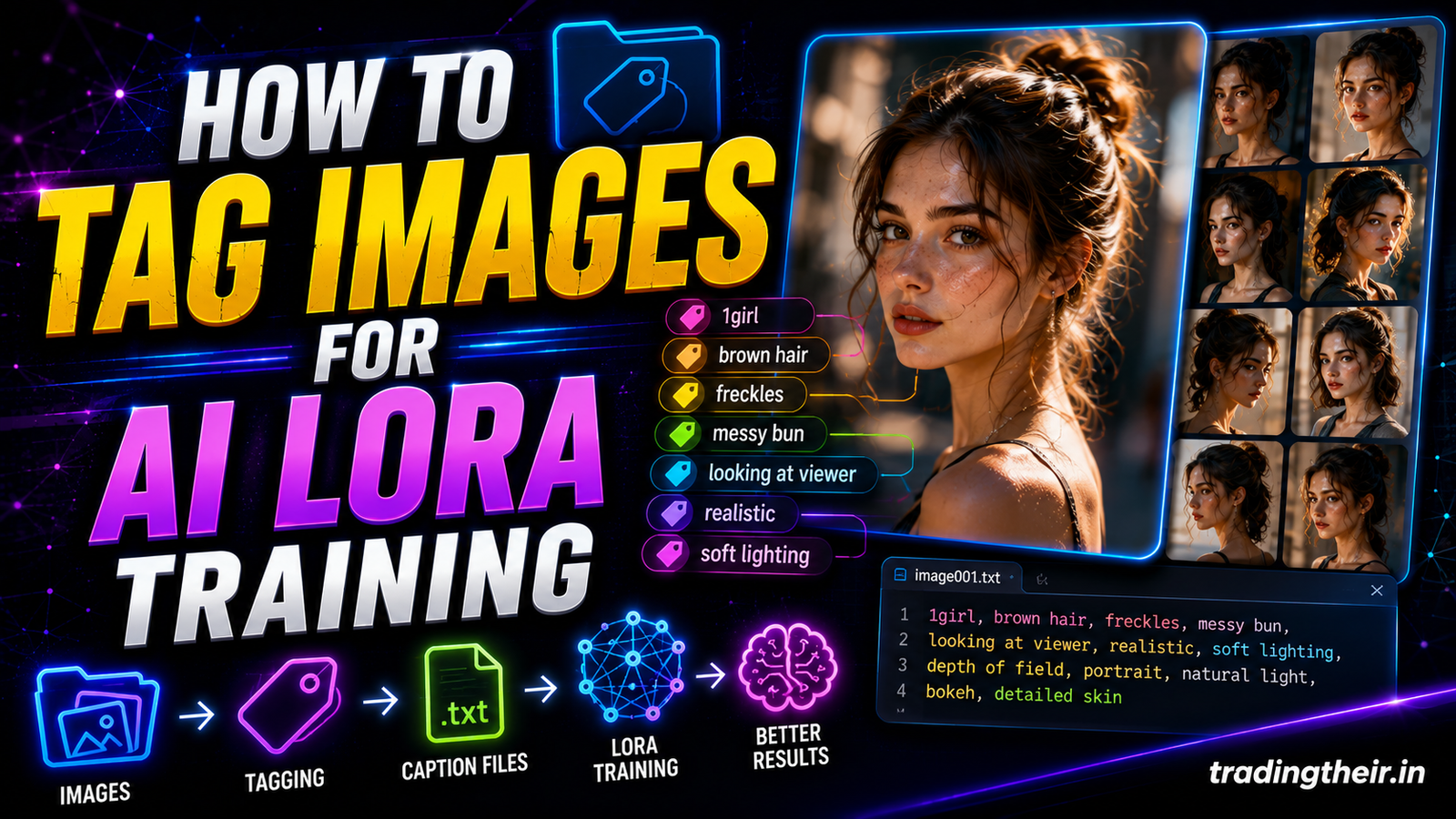
Artificial intelligence model training relies entirely on data preparation. You can configure the most advanced optimization algorithms. You can utilize the most expensive enterprise graphics hardware. However, if your training data is flawed, your final model will output garbage results. The open-source community provides incredible training tools like Kohya SS. These local tools allow you to customize artificial intelligence behaviors beautifully. To achieve professional-grade results, you must learn to create the perfect LoRA training dataset.
Most beginners believe that more data always equals a better model. They download hundreds of random, low-resolution images from the internet. They throw these unorganized images into their training pipelines immediately. This chaotic approach always fails. It produces broken concepts, blurry textures, and severe structural hallucinations. A pristine, highly curated dataset is the absolute foundation of successful machine learning. This comprehensive guide reveals the exact roadmap to curating, cleaning, and formatting your visual assets locally.
Quality vs. Quantity: The Golden Dataset Ratio
A common misconception in local AI training is the massive size requirement. You do not need thousands of graphic images to train a highly effective Low-Rank Adaptation (LoRA). In 2026, training architectures are incredibly efficient at pattern recognition.
For a highly specific style or character, a small dataset is actually superior. A dataset of 15 to 30 flawless images is universally considered the golden ratio. If you throw 500 images into a style LoRA, the model becomes overwhelmed by competing details. It struggles to find the core mathematical commonality.
Focus your energy entirely on absolute pixel perfection. It is infinitely better to train on 20 pristine, high-resolution graphics than 200 messy screenshots. Every single image you choose must be explicitly relevant to your ultimate design goal. If one single image contains artifact noise or bad compression, delete it from your folder immediately.
Image Selection Criteria: What to Include and Avoid
You must act like a ruthless art curator when selecting your training imagery. The neural network memorizes everything it sees, including the mistakes. If your source image contains a subtle digital watermark, the final model will replicate that watermark.
-
Avoid Text at All Costs: Never include images with heavy text strings, brand logos, or interface labels. The training engine cannot read text characters natively. It interprets typography as complex geometric shapes. It will try to blend these text shapes into your generated art, causing ugly hallucinations.
-
Forbid Compression Artifacts: Do not download low-quality images from social media platforms. These platforms apply aggressive compression algorithms. This compression creates blocky noise patterns around fine lines. The AI will mistakenly learn this pixel noise as a deliberate artistic texture.
-
Prioritize Professional Portfolios: Source your training samples from high-end, lossless photography platforms or professional graphic design portfolios. Look for pristine digital vector files, high-fidelity renders, or crisp, clean photographs.
Resolution and Aspect Ratio Optimization
Standard diffusion models possess strict native canvas training grids. Legacy models like Stable Diffusion 1.5 prefer exactly $512 \times 512$ pixels. Modern architectures like SDXL and Flux are trained on a massive $1024 \times 1024$ pixel grid.
To create the perfect LoRA training dataset, you must format your images to match these dimensions perfectly. If you feed a small 300-pixel image into an SDXL training pipeline, the software will stretch the pixels aggressively. This stretching introduces immediate blurriness, which ruins your training session.
Utilizing Aspect Ratio Bucketing
In the past, designers had to manually crop every single image into a perfect square. This manual cropping process was incredibly frustrating. It often cut off critical parts of the visual layout.
Modern training toolkits like Kohya SS feature a brilliant technology called aspect ratio bucketing. This technology analyzes your images automatically. It groups similar vertical or horizontal shapes into distinct mathematical buckets. This means you can train on mixed dimensions safely. However, you must ensure that all images meet the minimum resolution threshold of 1024 pixels on their shortest side.
Sourcing Your Imagery Strategically
Finding the perfect source files requires a deliberate search strategy. If you are training a custom web UI style LoRA, do not just search Google Images blindly. You will only find generic, compressed screenshots.
Navigate to premium design showcase platforms instead. Download lossless UI mockups, clean minimalist layouts, and high-fidelity dashboard renders. If you are training a specific character model, gather photographs taken under diverse lighting conditions. Avoid stock photo packs where the lighting and background remain completely identical across twenty shots. The neural network needs variety to separate the subject from the surrounding environment successfully.
Background Isolation and Management
The background of your training images plays a massive role in model flexibility. If every single one of your web icons sits on a bright blue background, the AI will learn a fatal lesson. It will believe that the color blue is a mandatory requirement for that icon shape. It will refuse to generate the icon on a red or white canvas later.
Pro Tip: You must decouple your subject from its background entirely. To achieve this, use a healthy mix of different background styles inside your training folder.
Include some graphics on pure white backgrounds. Include others on solid black or transparent canvases. For character training, ensure the subject moves through indoor offices, outdoor parks, and studio setups. This spatial variance forces the artificial intelligence to isolate the core subject mathematically. It allows you to swap backgrounds seamlessly during the final generation phase.
Enforcing Visual Variance and Diversity
Visual repetition is the absolute death of a flexible machine learning model. If your dataset features the exact same object from the exact same camera angle twenty times, the model breaks. It becomes highly rigid and deeply overfitted. It will only ever generate that single, specific view.
You must introduce aggressive visual diversity across your dataset:
-
Vary the Scale: Include tight macro close-ups of fine textures, medium shots of core components, and wide-angle views of full layouts.
-
Vary the Angles: Rotate your subjects intentionally. Include straight-on frontal views, dramatic side profiles, and three-quarter isometric perspectives.
-
Vary the Lighting: Mix bright, high-key studio lighting with moody, high-contrast dark environments.
This extreme variance teaches the model the true three-dimensional structure of your concept. It gives you immense creative freedom when writing text prompts later.
Cleaning and Preprocessing Your Local Files
Once you curate your 20 perfect images, you must clean them mechanically. Do not leave random, long filenames like IMG_9482_edit.png in your folder. This messy naming convention can confuse certain legacy training scripts.
Create a completely fresh folder on your local solid-state drive. Name this master directory LoRA_Dataset. Inside this directory, create a specific subfolder using a strict numeric naming convention, such as 10_flatweb_ui. The number 10 tells the Kohya software exactly how many times to repeat each image during a single training cycle (epochs). The text string flatweb_ui acts as your core concept identifier. Rename all your image files sequentially to match this folder, such as flatweb_ui_001.png and flatweb_ui_002.png. This immaculate organization prevents local script configuration errors entirely.
Final Data Verification Checklist
Before you launch your local Kohya SS GUI backend, you must perform one final, ruthless manual audit. Open your dataset folder and scan the files side by side.
Verify that every single image file uses the modern .png or .safetensors format cleanly. Ensure there are absolutely no hidden system files or corrupt image headers lurking in the directory. Check that your resolution numbers remain consistently high across the board.
Double-check that you have successfully removed every trace of corporate branding logos and text elements. Taking five minutes to verify your data at this stage saves you hours of computing frustration later. You guarantee that your local RTX graphics card processes pure, unadulterated visual data from the very first epoch.
By mastering this precise curating roadmap, you elevate your AI capabilities to a professional engineering tier. You understand that the magic of artificial intelligence does not live in complex code parameters. The true power lives directly inside the pristine quality of your dataset. Create your perfect training folder today, and watch your local models generate flawless digital art effortlessly.